



Google Chat vs Slack

Team communication tools have become a must-have for modern businesses. Whether you run a small team or a growing company, you need a platform that keeps conversations organized, reduces email overload and helps everyone stay connected. Two of the most popular options today are Google Chat and Slack.
Both tools offer messaging, file sharing and team collaboration features but they work in different ways.
What Google Chat Is Best Known For
Google Chat is Google’s built-in communication tool that connects directly with Gmail, Drive, Meet and the rest of Google Workspace. It keeps things simple, clean and easy to understand.
Key Highlights
- Simple direct messaging
- Team “Spaces” for group conversations
- Smooth file sharing with Google Drive
- Built-in video calls with Google Meet
- Quick responses using smart suggestions
If your team already uses Google Workspace every day, Google Chat feels natural and effortless.
A side-by-side look at features, workflows and which tool fits your team best.
Why Teams Choose Slack
Slack is a powerful communication platform used by startups, marketing teams, IT teams and companies that need flexible workflows.
Key Highlights
- Organized channels for every team or project
- Clean direct messaging
- Over 2,500 third-party app integrations
- Quick audio and video huddles
- Helpful automation and workflow tools
Slack is more advanced than Google Chat, especially when you rely on many apps or want highly customizable collaboration.
Google Chat vs Slack: A Simple Comparison
Ease of Use: Which One Feels More Comfortable?
Google Chat
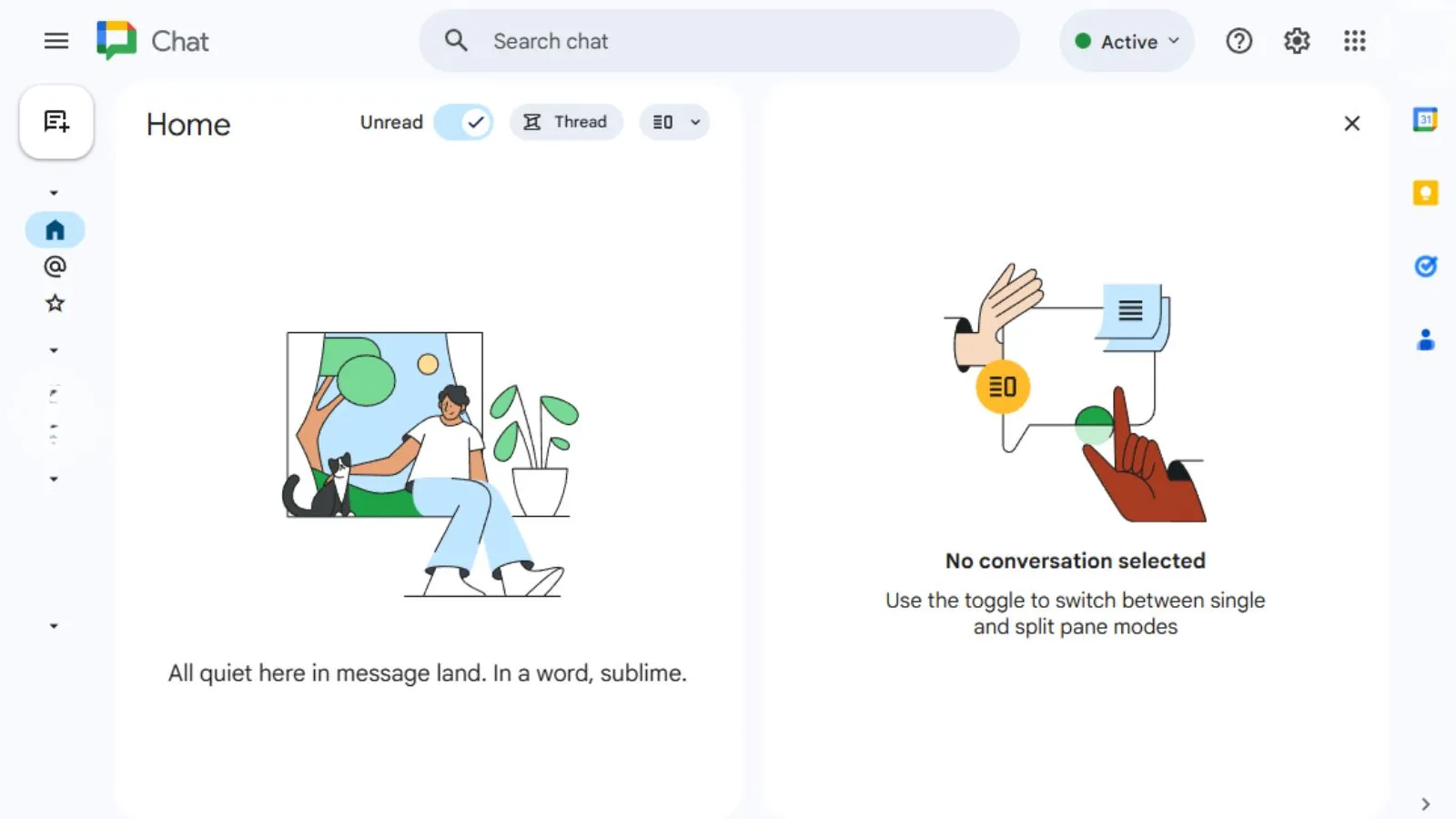
Google Chat focuses on simplicity. The layout is minimal and doesn’t overwhelm you with too many buttons or settings. If your team prefers a clean workspace and doesn’t need complex features, Google Chat feels great from day one.
Slack
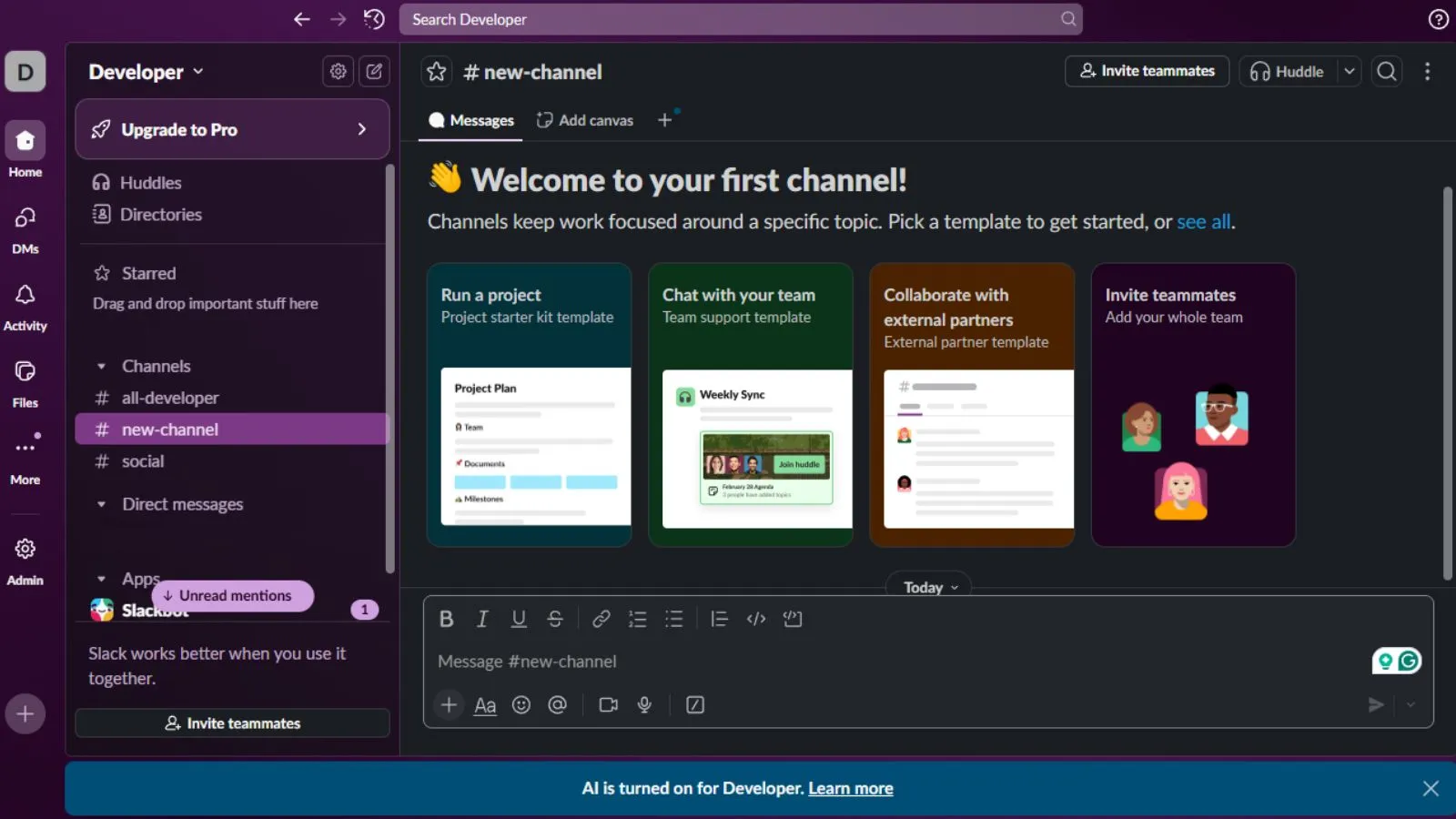
Slack offers more custom options, such as channel structures, notifications, themes and integrations. It has more depth, but this also means new users might take a bit longer to get comfortable.
Bottom Line:
Google Chat is easier for beginners. Slack is better for teams that want more control.
Our digital marketing approach at DigiPix is strategic, transparent and performance-driven. By combining audience insights with real-time data, we help businesses improve visibility, generate quality leads and scale their marketing efforts with confidence.
Integrations and App Support
What Google Chat Connects With
Google Chat works smoothly with:
- Google Drive
- Google Docs, Sheets & Slides
- Google Meet
- Google Calendar
It also supports a few outside tools, but the list is still growing.
Choosing the right team chat matters. Google Chat vs Slack breaks down the differences that impact daily collaboration.
Slack Takes the Lead Here
Slack integrates with:
- CRM systems
- Project management tools
- Help desk software
- Design apps
- Sales and marketing tools
- IT and development tools
If your team uses multiple apps daily, Slack gives you more flexibility.
Pricing Breakdown
Google Chat is more affordable if you already use Google Workspace.
Slack has a free version, but storage and features are limited.
Security and Reliability
Both Google Chat and Slack provide strong security features such as encryption and compliance certifications. For very large organizations, Slack’s Enterprise Grid offers more granular control, but Google Workspace is extremely secure as well.
DigiPix delivers SEO solutions based on search behavior, site performance and real user data. From fixing technical issues to improving content relevance, we help your website rank better, reach qualified audiences and stay competitive year after year.
Communication Experience
Why Google Chat Feels Simple
- Clean design
- Easy file sharing
- Focused conversations
- Great for document-heavy work

Not all messaging tools work the same. Explore Google Chat vs Slack and see which platform supports your team’s productivity.
Why Slack Feels More Advanced
- Channels for every team
- Better message search
- Quick huddles
- More structure for long ongoing projects
Slack is built for teams that communicate a lot throughout the day. Google Chat is built for teams who want simplicity without extra steps.
Which One Should You Pick?
Pick Google Chat If You:
- Use Google Workspace every day
- Want a clean, distraction-free tool
- Prefer built-in Google Meet calls
- Want a budget-friendly option
Pick Slack If You:
- Need lots of integrations
- Want advanced automation
- Manage multiple teams or channels
- Prefer a more flexible and organized workspace
We design websites that feel simple, fast and intuitive. At DigiPix, every layout is crafted to help visitors move easily through your site, enjoy the experience and take action without friction.
If your business wants to improve communication, streamline workflows or choose the right tools for growth, DigiPixInc. is here to help.
From setup and optimization to full digital transformation, we make sure your business runs smarter and communicates better. Ready to upgrade your digital workflow? Contact DigiPixInc. today!
FAQs
1. Can Google Chat replace Slack?
For simple communication, yes. But for complex workflows and project-heavy work, Slack still offers more tools.
2. Is Slack better for large companies?
Slack’s Enterprise Grid makes it a good fit for bigger organizations with lots of channels and automation needs.
3. Does Google Chat work with non-Google tools?
It does, but the list is much smaller compared to Slack.
4. Which one is easier for new employees?
Google Chat has a cleaner layout and is easier for beginners.
5. Which tool is more cost-effective?
Google Chat is more affordable for businesses already using Google Workspace.
Final Thoughts
Both Google Chat and Slack are excellent tools but they shine in different ways. Choose Google Chat if you want something simple, affordable and tightly connected to Google Workspace. Choose Slack if you need more features, stronger integrations and deeper control over team communication. The right tool depends on how your team works and what your daily workflow looks like.
Request A Quote

Written By: Khurram Qureshi
Founder & consultant of DigiPix Inc.
Call or text: 416-900-5825
Email: info@digipixinc.com
About The Author
In 2005, Khurram Qureshi started DigiPix Inc. which started off as a design agency offering video editing to professional photography, video production & post production, website designs and 3D Animations and has now expanded towards online marketing and business consultancy. Khurram Qureshi also is a motivational figure and participates in local and international platforms. He also play a role in the local community development, helping local young minds get ready to enter the job market.