


RustDesk vs AnyDesk: Which Remote Desktop Tool Should You Bet On? (By Digipix Inc.)

Let’s be straight about this. Working online today doesn’t look anything like it did even a few years back. Remote work used to be a side option, a quick email from home, maybe firing up the old VPN if you had one.
Fast forward to now & whole companies run without ever setting foot in an office. Your IT guy might be in another country. A designer might be fixing files on a machine halfway across the world.
And what makes that possible? Remote desktop software. It’s the hidden backbone.
The tricky part? The market’s crowded. Every vendor promises speed, security, & simplicity. Everyone says they’re “the best.” But once you dig in, you realize these tools aren’t created equal.
Two names come up a lot when businesses call us at Digipix Inc.: AnyDesk and RustDesk. One’s the established, polished choice. The other is the open-source newcomer people can’t stop talking about.
We’ve set up both. We’ve seen the headaches, the wins, & the moments where one tool clearly makes more sense than the other. And in this breakdown, I’ll share exactly what we’ve learned.
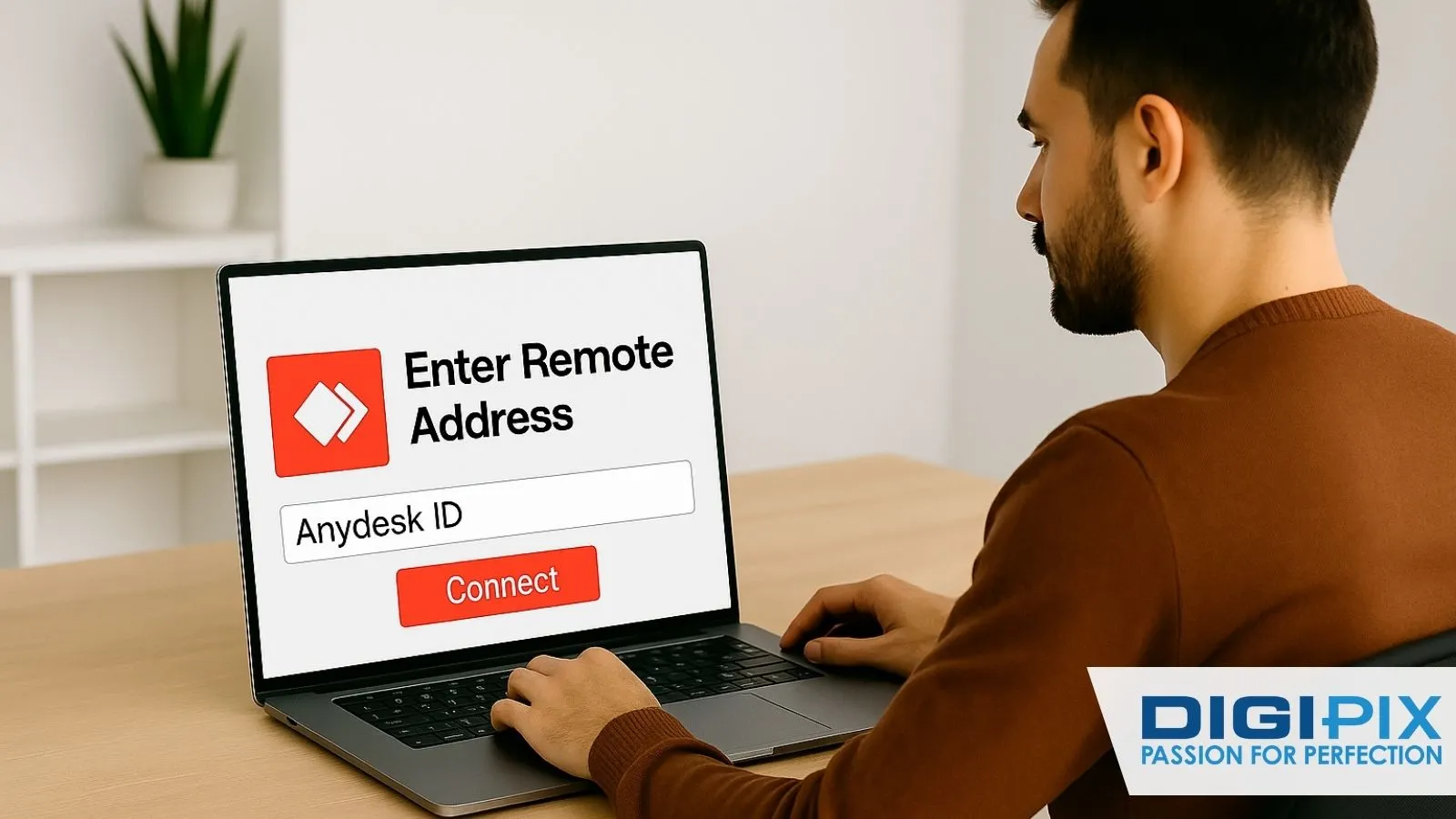
From screen to solution: DigiPix resolves issues remotely
Why Remote Desktop Tools Matter Right Now
It’s not about convenience anymore; it’s survival.
Think about a few everyday situations:
- Your support staff needs to fix a problem on a client’s laptop & the client’s three states away.
- You left the updated financial report on your office desktop. The meeting’s in 15 minutes.
- A teacher in another country is helping students remotely and needs access to school software.
Without remote desktop, all of that either takes hours or doesn’t happen at all. With it, it’s solved in minutes.
At Digipix Inc., we’ve watched teams lose whole days to delays because they didn’t have a tool in place.
Then, once we put the right setup in their hands, those same teams solved issues in ten minutes that used to take them two days. That’s the difference these tools make.
So yeah, this isn’t just about “which app is prettier.” It’s about which one keeps your business moving.
What Is AnyDesk?
AnyDesk has been around for a while & it’s earned its reputation. Launched in 2014, it quickly became one of the go-to tools for IT departments and businesses that needed something that “just works.”
People like it because it’s smooth, even on spotty internet. It works across just about every platform you can think of: Windows, macOS, Linux, iOS Android, Raspberry Pi.
And it has plenty of features aimed squarely at businesses: user management, custom branding, session reporting, & unattended access.
There’s a free version for personal use, but if you’re running a business, you’ll end up on one of their paid plans. The price isn’t outrageous, but it does climb fast as your team grows.
If I had to put it in everyday terms, using AnyDesk is like leasing a high-end company car. It’s polished and ready to go, & if something breaks, you call support. You pay monthly, you don’t worry much, & you get reliability.
Start with the basics that move the needle.
Local pages, on-page fixes and smart content sprints.
Clear KPIs, simple dashboards, real progress.
Start Free Now
What Is RustDesk?
RustDesk is the new kid compared to AnyDesk, but it’s making a lot of noise. The big draw? It’s open-source and completely free.
Here’s what sets it apart: you can either use RustDesk’s public servers (like AnyDesk does), or you can self-host. That means you spin up your own server, route traffic through it, & keep all your data in-house. For companies with compliance or privacy concerns, that’s huge.
People are drawn to it because it’s
- Free (no license costs, no subscription creeping up on you).
- Open-source, which means transparent and customizable.
- Focused on privacy, since you can choose not to rely on third-party servers.
But there’s a trade-off. RustDesk isn’t as polished. The interface is fine, but not slick. The documentation can be a little rough around the edges. And if you’re self-hosting, you need someone technical who knows what they’re doing.
It’s like buying your own truck instead of leasing. You own it, you’re not sending checks to a vendor every month & you can mod it however you like. But when something goes wrong, you or your team are the ones fixing it.
RustDesk vs AnyDesk: Side-by-Side
Here’s a quick look at how they stack up:
|
Features |
AnyDesk |
RustDesk |
|
Cost |
Free personal-use business plans from $10.99/user/month |
100% free open source |
|
Set up |
Plug and play minimal effort |
Easy if using public server; technical if self -hosting |
|
Performance |
Very strongly optimized for weak networks |
Good, depends on your server setup |
|
Security |
TLS 1.2 proprietory servers |
And to and encryption full control if self hosted |
|
Platforms |
Windows, macOS, Linux, iOS &roid, Raspberry Pi |
Windows, macOS, Linux, iOS &roid |
|
Support |
Professional via subscription |
Community forums, GitHub issues |
|
Best fit |
Enterprises that want polish and support |
Privacy-focused or budget-conscious teams |
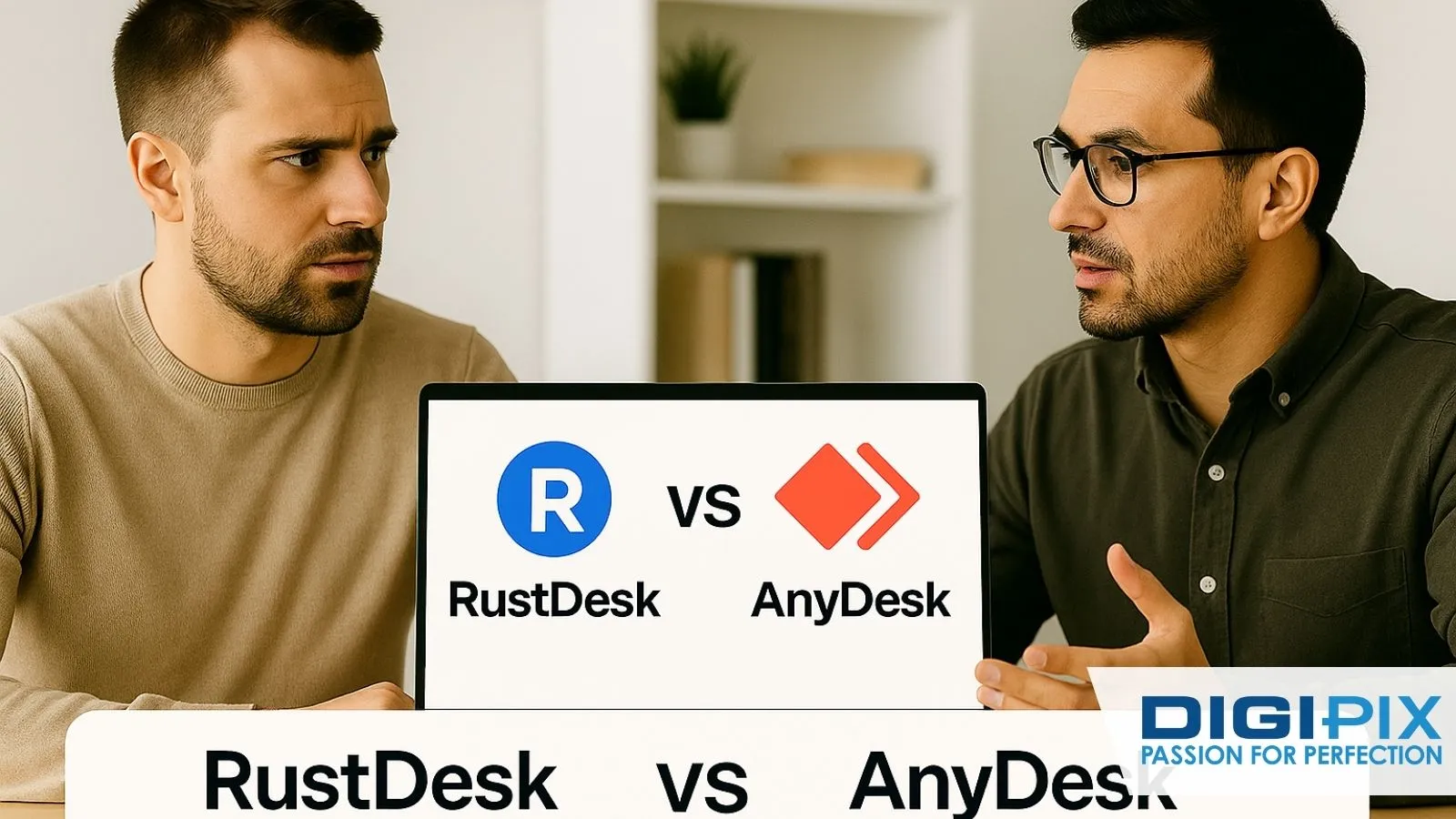
Two professionals compare RustDesk and AnyDesk on a laptop screen, highlighting the importance of evaluating remote desktop solutions to drive informed technology decisions for business success
What Happens in Real Life
Here’s where feature lists don’t tell the full story.
One of our clients at Digipix Inc., a healthcare startup, had strict rules about data privacy. Sending sensitive info through outside servers was a no-go. For them, RustDesk was the right move.
They set up a self-hosted server, routed everything internally, & had peace of mind knowing no third party touched their data.
Another client, an educational institute, didn’t care about self-hosting. They just wanted staff to be able to use the tool without training sessions or constant IT calls. For them, AnyDesk was the winner.
Teachers clicked, installed, & were up and running in minutes. The IT team also appreciated being able to call AnyDesk support instead of digging through community threads.
Different businesses, different needs. There isn’t a single “winner’’; it depends on what problem you’re solving.
Ignite your online potential with DigiPix—our web design experts craft visually stunning, responsive and user-centric websites that convert visitors into loyal customers.
Experience flawless navigation, fast loading times and a brand identity that stands out on every device, ensuring your business offers an unforgettable digital experience.
Unlock better engagement, increased conversions and lasting authority with a website built for peak performance and growth.
Start Your Web Design Journey Today ➔
Benefits That Go Beyond “Remote Access”
When people think about these tools, they often stop at “Oh, I can log in remotely.” But the ripple effects go way further.
With AnyDesk, companies get:
- Less downtime. IT fixes problems fast.
- Scalability. Adding new people is as easy as buying another license.
- A polished feel that looks professional to clients.
With RustDesk, the perks are different:
- No subscriptions eating up the budget.
- Total control of data, which matters in industries like healthcare, law & finance.
- Community-driven innovation is sometimes faster than closed systems.
Think of it like this: AnyDesk sells convenience. RustDesk sells independence.
Common Mistakes We See
Businesses get tripped up all the time when choosing between these tools. Here are some mistakes we’ve seen firsthand:
- Ignoring total cost. AnyDesk licenses look cheap at first, but at 40 or 50 users the bill hurts. RustDesk feels free, but if you self-host, budget for servers and IT time.
- Skipping security checks. Some industries absolutely require self-hosting. If you’re not careful, you could run into compliance issues.
- Assuming your team is tech-savvy. RustDesk self-hosting is not for a team that struggles with printer setup. Don’t force it.
- Not testing before rollout. We’ve seen companies deploy a tool to hundreds of users, only to backtrack because one feature didn’t work the way they needed.
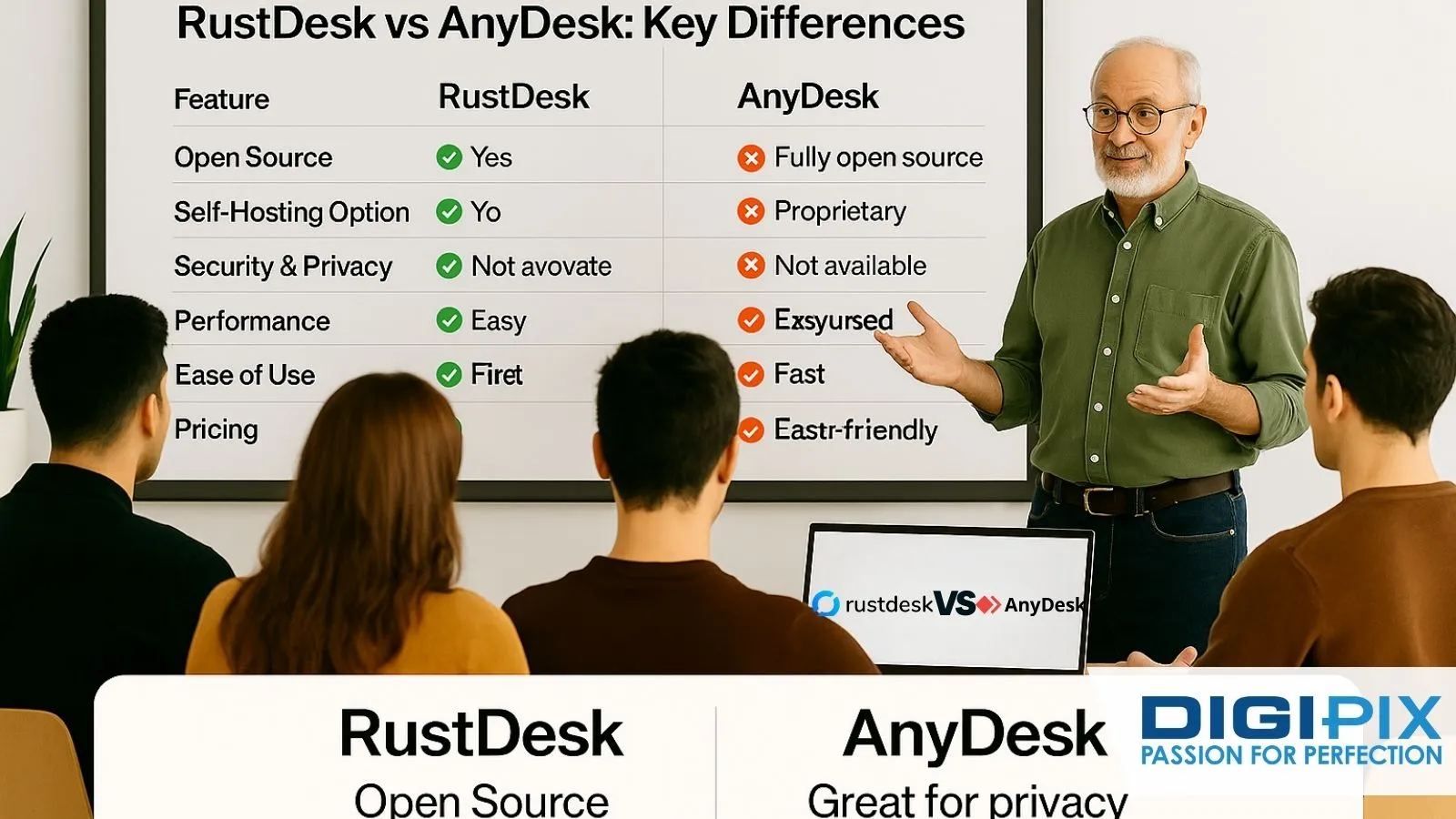
A business team reviews RustDesk vs AnyDesk, comparing features like open source access, self-hosting options, privacy and ease of use to make informed decisions about secure remote desktop solutions
Where Remote Desktop Is Headed
This isn’t a stagnant space. Just like other tech tools, remote desktop software is evolving.
- AI troubleshooting will likely become standard. Imagine the tool suggesting fixes when a connection drops.
- Zero-trust security and biometric login are on the horizon, especially as cyberattacks grow.
- Open-source adoption is clearly climbing. RustDesk is proof there’s an appetite for it & more projects will pop up.
- More platforms. Don’t be surprised when you can access your PC from a smartwatch or AR glasses in the near future.
At Digipix Inc., we see the winning tools being the ones that balance three things: security, ease of use & cost. Miss one & people jump ship.
Safeguard your business and customer trust with DigiPix’s comprehensive website security solutions.
Benefit from proactive malware detection, SSL certification and continuous monitoring to defend your site against evolving threats—ensuring security, compliance and reliable performance.
Stay focused on growth while DigiPix protects your digital assets with industry-leading security tailored for modern businesses.
How to Decide
Let’s make this simple:
- Pick AnyDesk if you want something you can roll out instantly, with enterprise polish and professional support.
- Pick RustDesk if you’re focused on privacy, tired of subscription costs & comfortable handling a bit of technical setup (or have IT staff that are).
Conclusion
Remote desktop isn’t optional anymore. It’s the engine that keeps modern businesses running.
At Digipix Inc. , we’ve helped clients succeed with both RustDesk and AnyDesk. A healthcare company saved thousands and gained peace of mind with RustDesk. An educational institute reduced headaches and got instant usability with AnyDesk.
So the question isn’t “which one is better?” It’s: what do you value more, polish and support, or freedom and control?
Whichever you pick, treat it seriously. In today’s remote-first world, the right tool isn’t just software. It’s the backbone of how you work, how your team collaborates, & how your business survives in a world where “remote” is the new normal.
Request A Quote

Written By: Khurram Qureshi
Founder & consultant of DigiPix Inc.
Call or text: 416-900-5825
Email: info@digipixinc.com
About The Author
In 2005, Khurram Qureshi started DigiPix Inc. which started off as a design agency offering video editing to professional photography, video production & post production, website designs and 3D Animations and has now expanded towards online marketing and business consultancy. Khurram Qureshi also is a motivational figure and participates in local and international platforms. He also play a role in the local community development, helping local young minds get ready to enter the job market.